ArchPilot Cloud

Keep software architecture visible, enforceable, and measurable across the systems your teams ship.

ArchPilot is an architecture governance platform that keeps software architecture visible, enforceable, and measurable across repositories and teams.

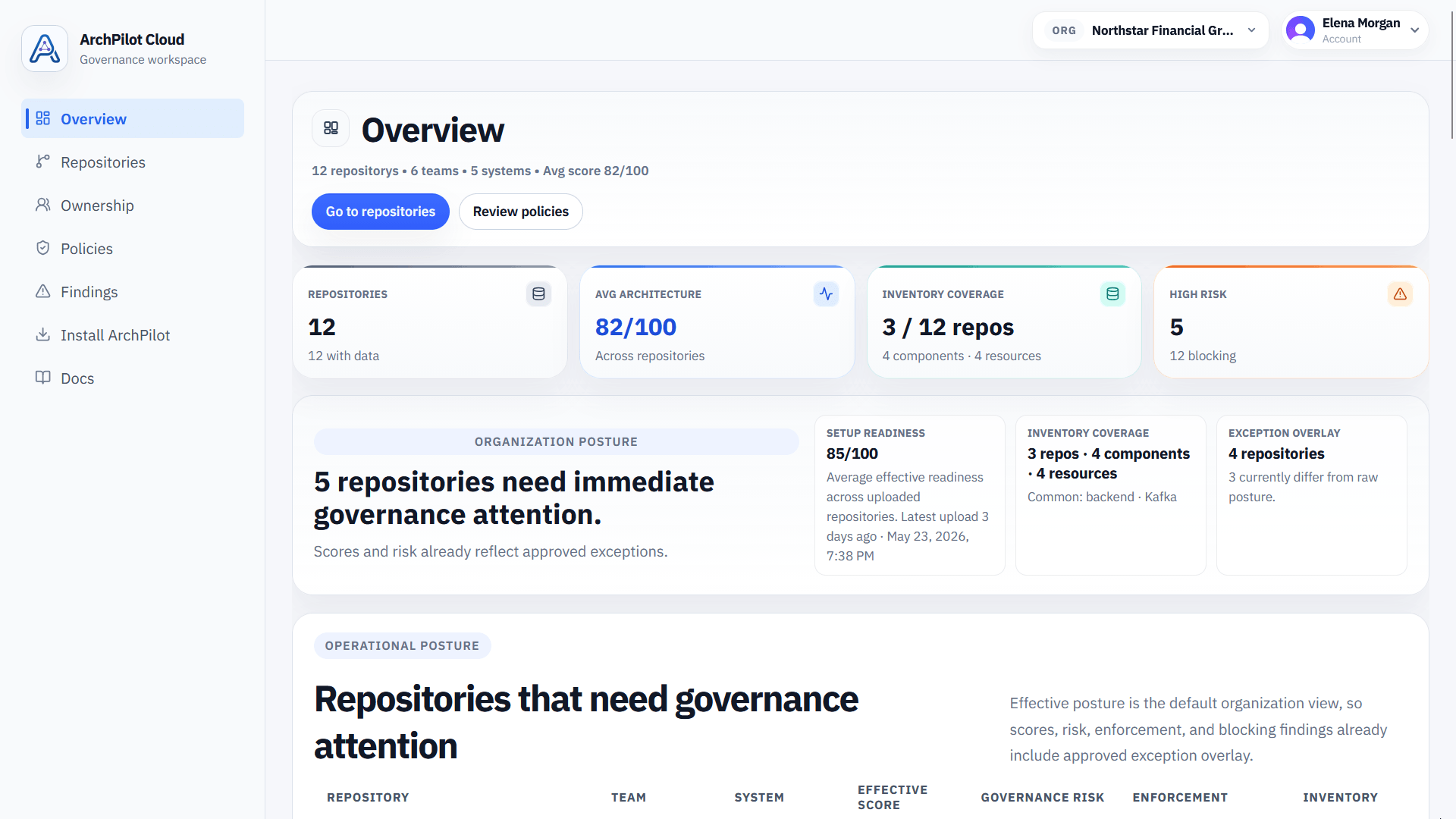
ArchPilot Cloud gives engineering organizations a durable governance layer for repository visibility, architecture validation outcomes, findings, scoring, and history without replacing deterministic local execution from the CLI and VS Code extension.

Cloud stores the governance record. Local tooling continues to perform the validation itself.

Core Product Value

Architecture governance for real engineering systems

ArchPilot Cloud is designed for organizations that need architecture to stay visible beyond individual repositories and enforceable beyond one-off reviews.

  • Visibility across repositories and teams
  • Enforcement grounded in local validation
  • Measurement through scores, findings, and history

Architecture governance that spans repositories, validation workflows, and long-term history.

ArchPilot connects repository context, architecture rules, validation outcomes, findings, and score history into one governance platform for software teams.

Repository Registry

Keep a durable registry of governed repositories with ownership context, branch defaults, and current governance references.

Governance Uploads

Accept deterministic validation outputs from local CLI execution or CI without moving the validation engine into the cloud.

Snapshot History

Store architecture snapshots over time so teams can work from a durable governance record instead of transient local results.

Findings and Scoring

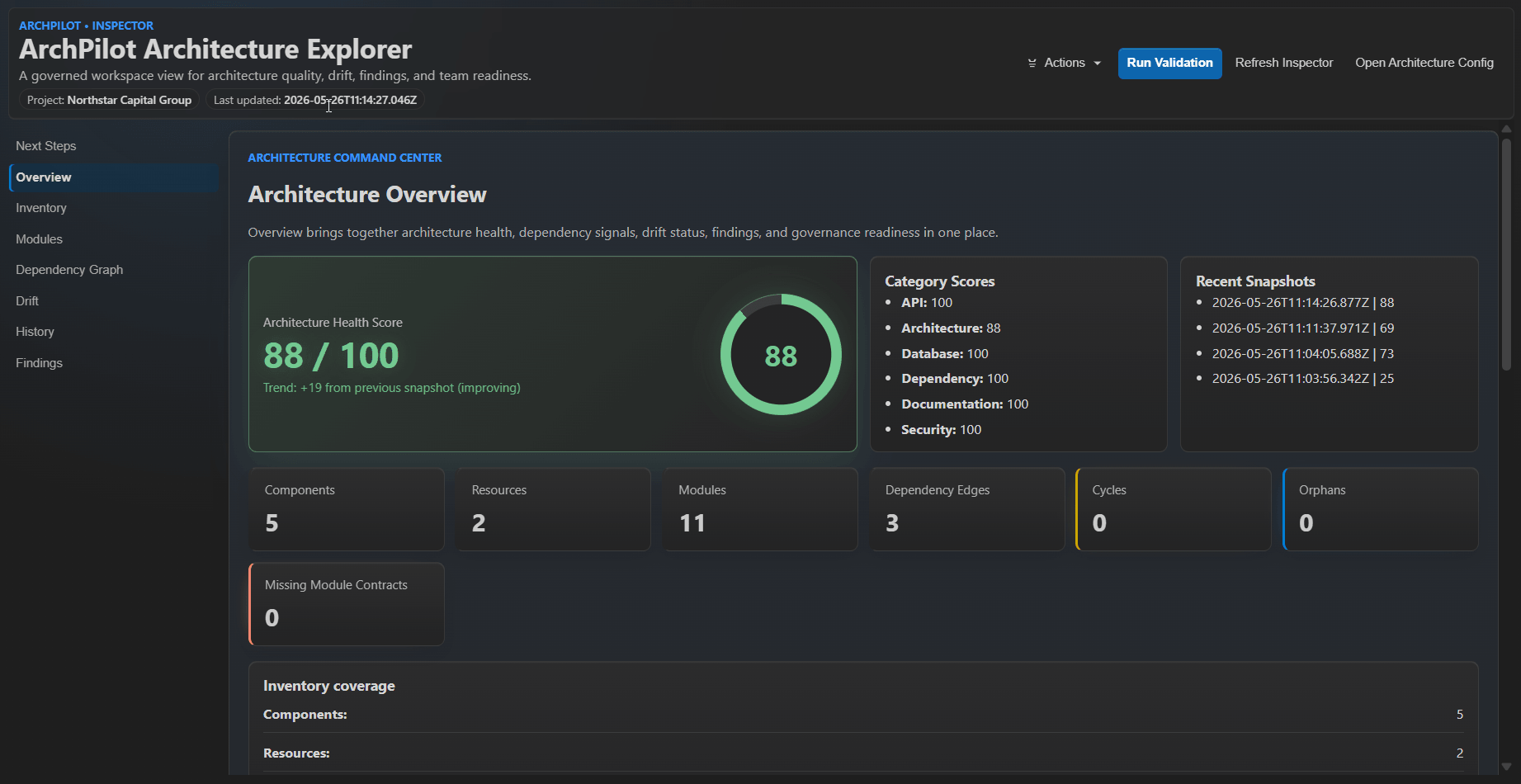
Preserve findings, architecture scores, readiness signals, and governance metadata as part of each uploaded snapshot.

Architecture Rules and Validation

Use ArchPilot rules and local validation workflows to keep architecture enforceable without weakening deterministic execution.

Team Visibility and Governance History

Give engineering teams a shared architecture record across repositories and time, with room for future workflows and coordination.

A clean path from local validation into a shared governance record.

The workflow keeps validation close to the code while giving teams a stable architecture history above individual execution environments.

01

Validate locally

ArchPilot CLI and the VS Code extension run deterministic validation where architecture changes actually happen.

02

Upload governance results

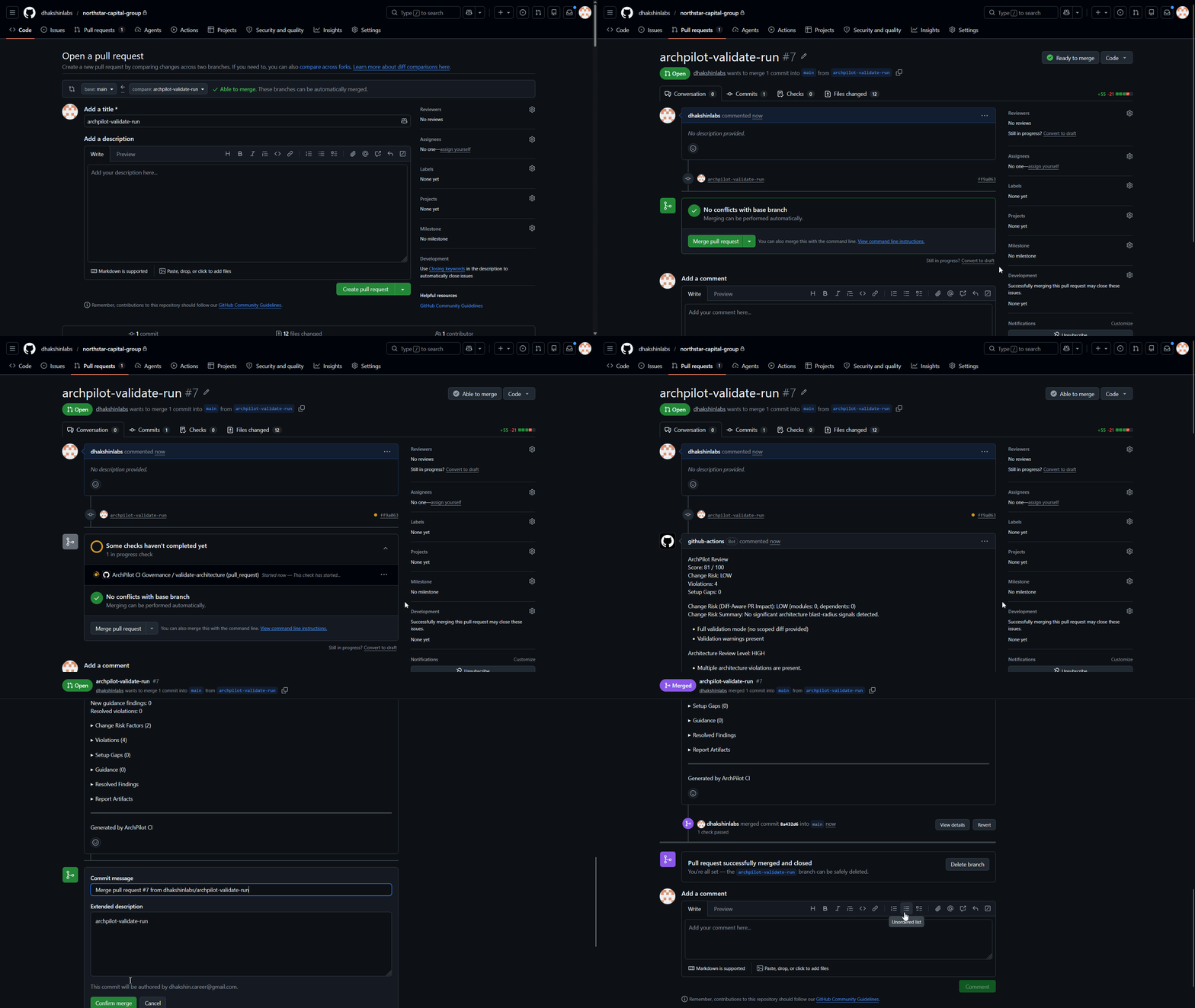
ArchPilot Cloud receives repository metadata, findings, and scores from local or CI execution without recomputing them.

03

Work from shared history

Teams use the resulting repository history, findings, and scores as the coordination layer for architecture governance.

Designed to complement the local ArchPilot workflow, not replace it.

The platform boundary stays clear: deterministic validation and enforcement start locally, while Cloud preserves the resulting governance history across repositories and teams.

Local CLI / Extension

  • Runs architecture validation deterministically
  • Produces scores, findings, and rule outcomes at source
  • Fits directly into developer and CI workflows

ArchPilot Cloud

  • Stores repository governance snapshots
  • Preserves findings, scores, and governance history centrally
  • Creates a foundation for team visibility and coordination

Preview the documentation surface for product usage and governance workflows.

This section is an overview of the documentation areas ArchPilot Cloud will cover. Use the dedicated docs page for the docs entry surface itself.

Product concepts

Understand how repository registry, governance uploads, snapshots, findings, and scores fit together.

Operator workflows

Use the CLI, uploads, and Cloud surfaces as one connected architecture governance workflow.

Reference material

Find route references, payload structures, and setup guidance as the documentation surface expands.

Move from local validation into a shared architecture governance record.

Use the Cloud product shell to enter the platform, explore documentation, and prepare for repository workflows built on the governance backend now in place.